Landscape 1
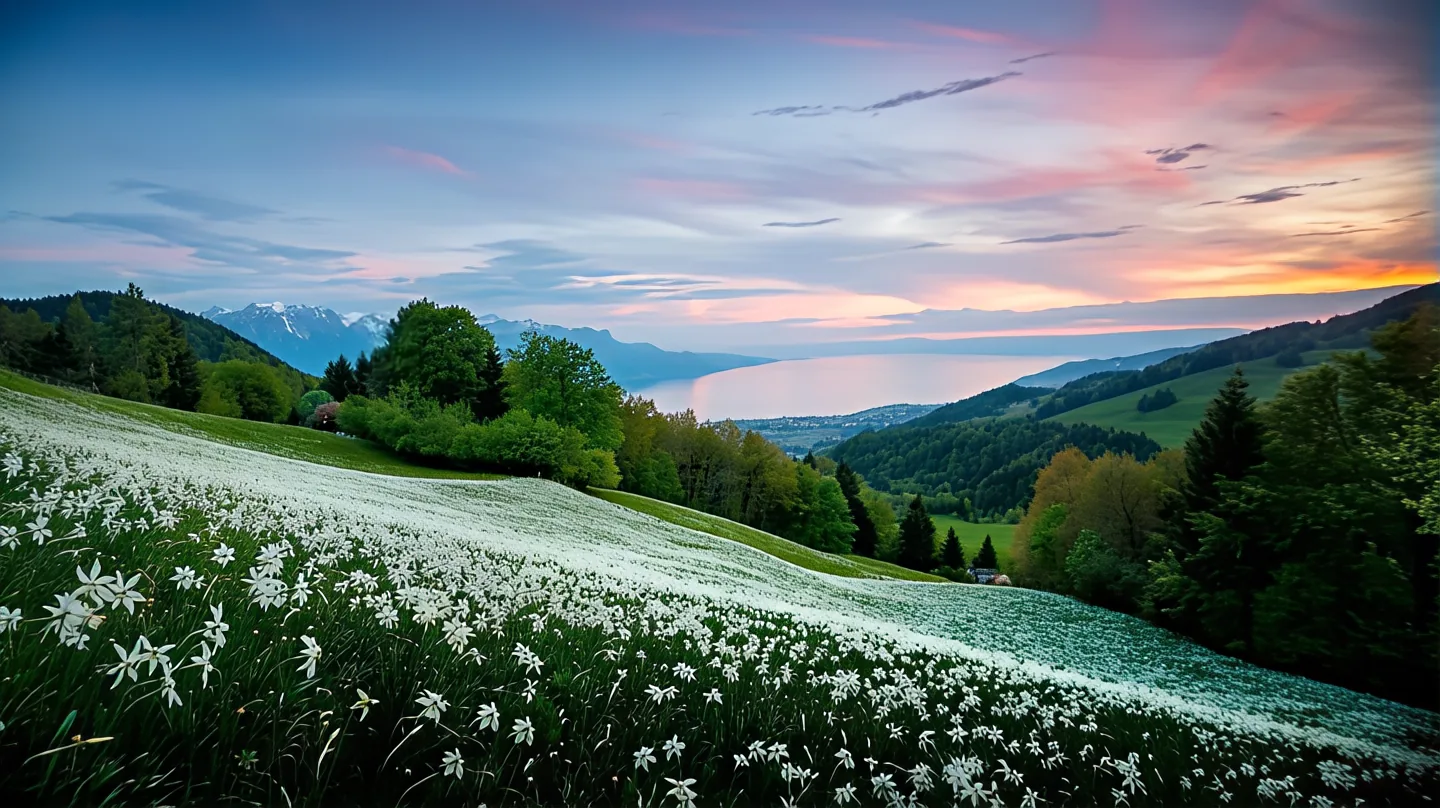
Helped 0 users upscale 0 images.
These are our page examples. Drag the middle handle and compare before and after in one place 🖼️
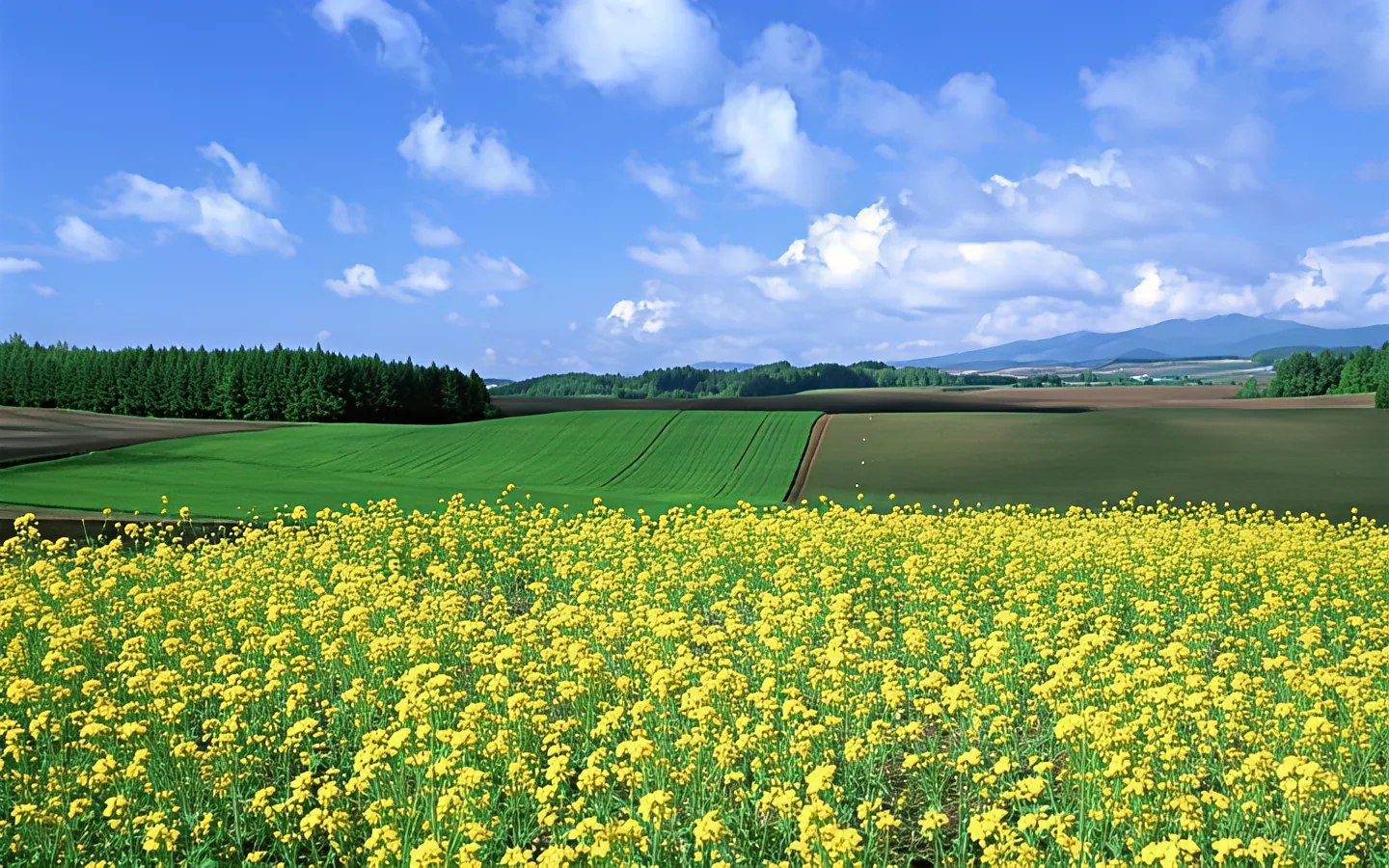
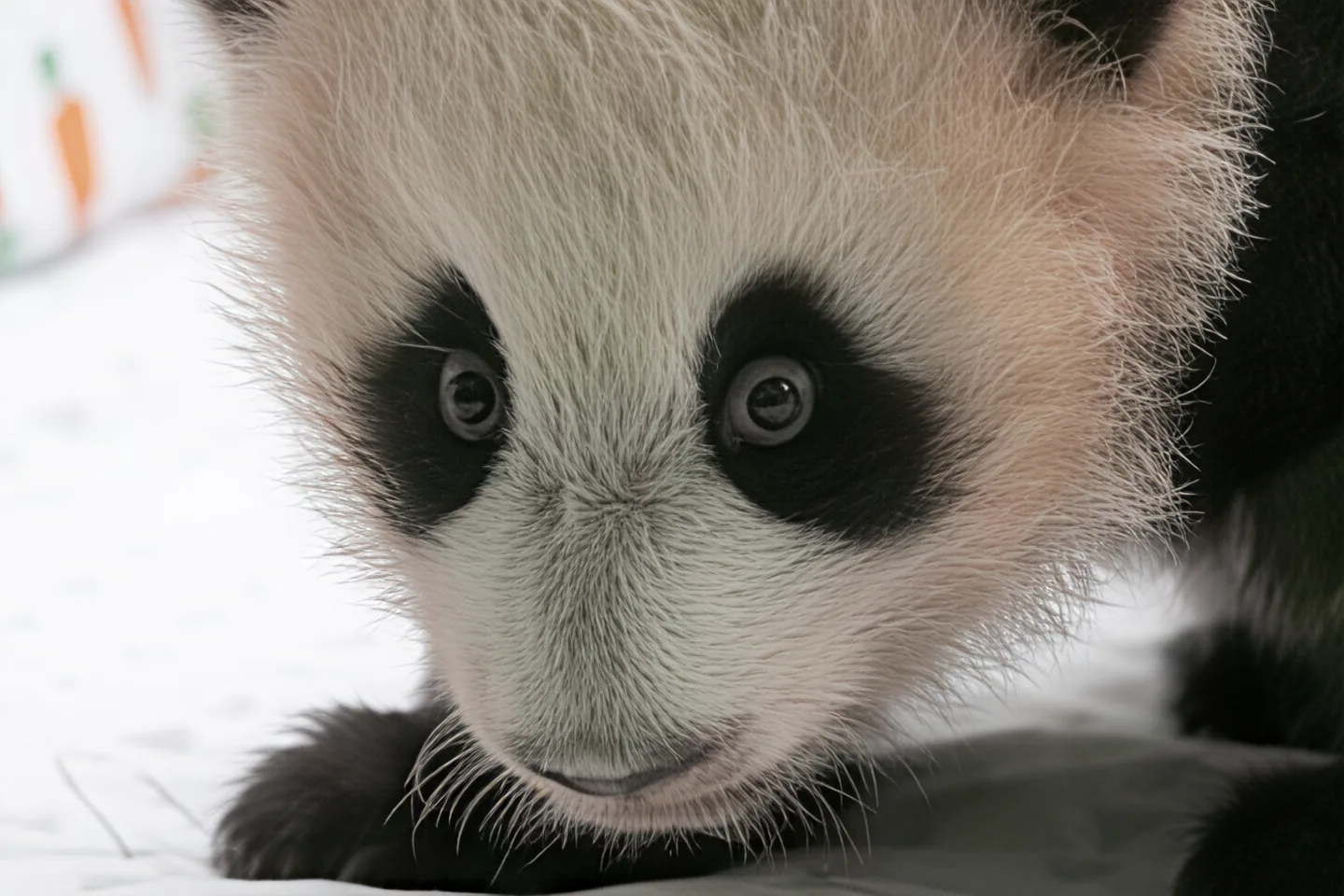
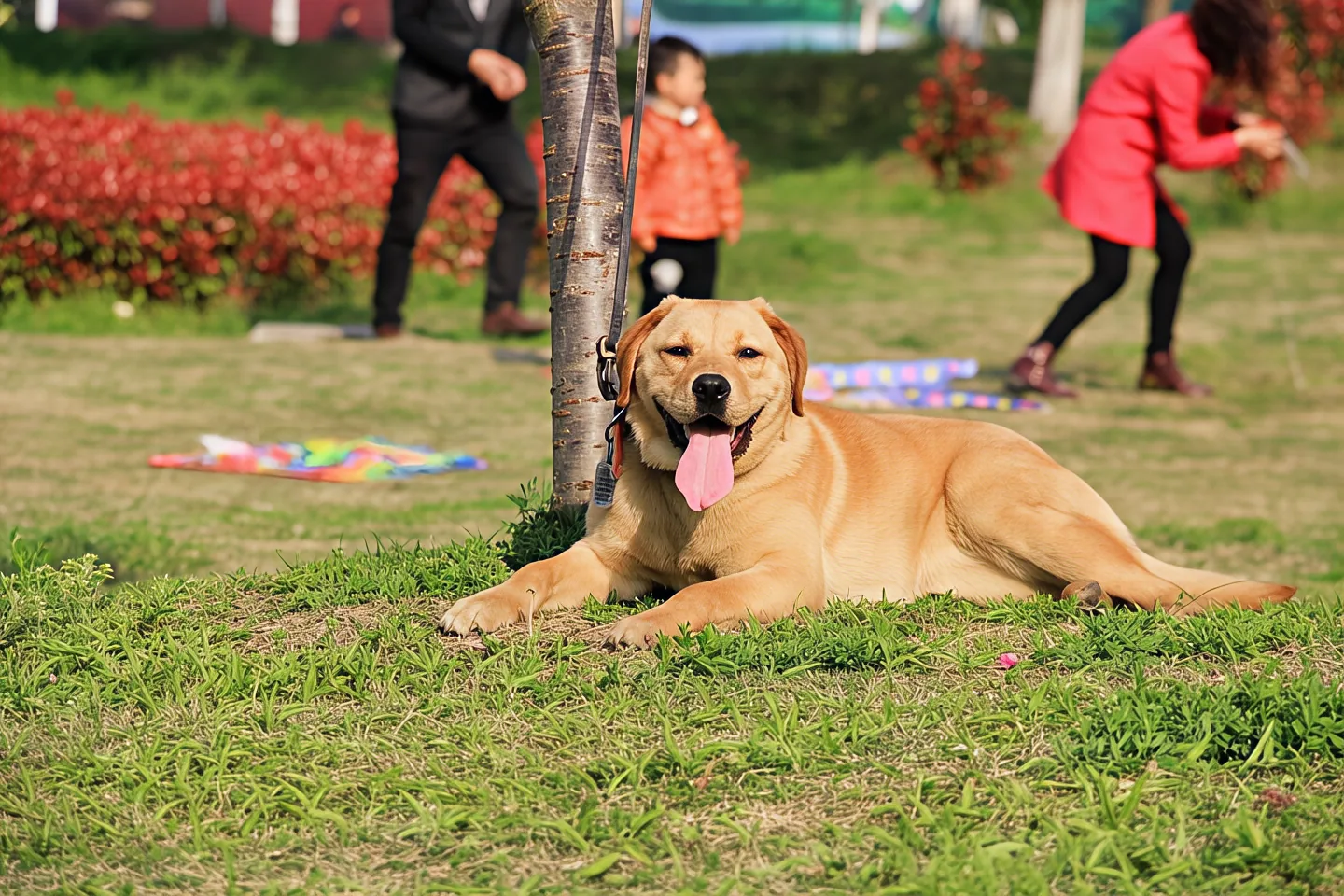
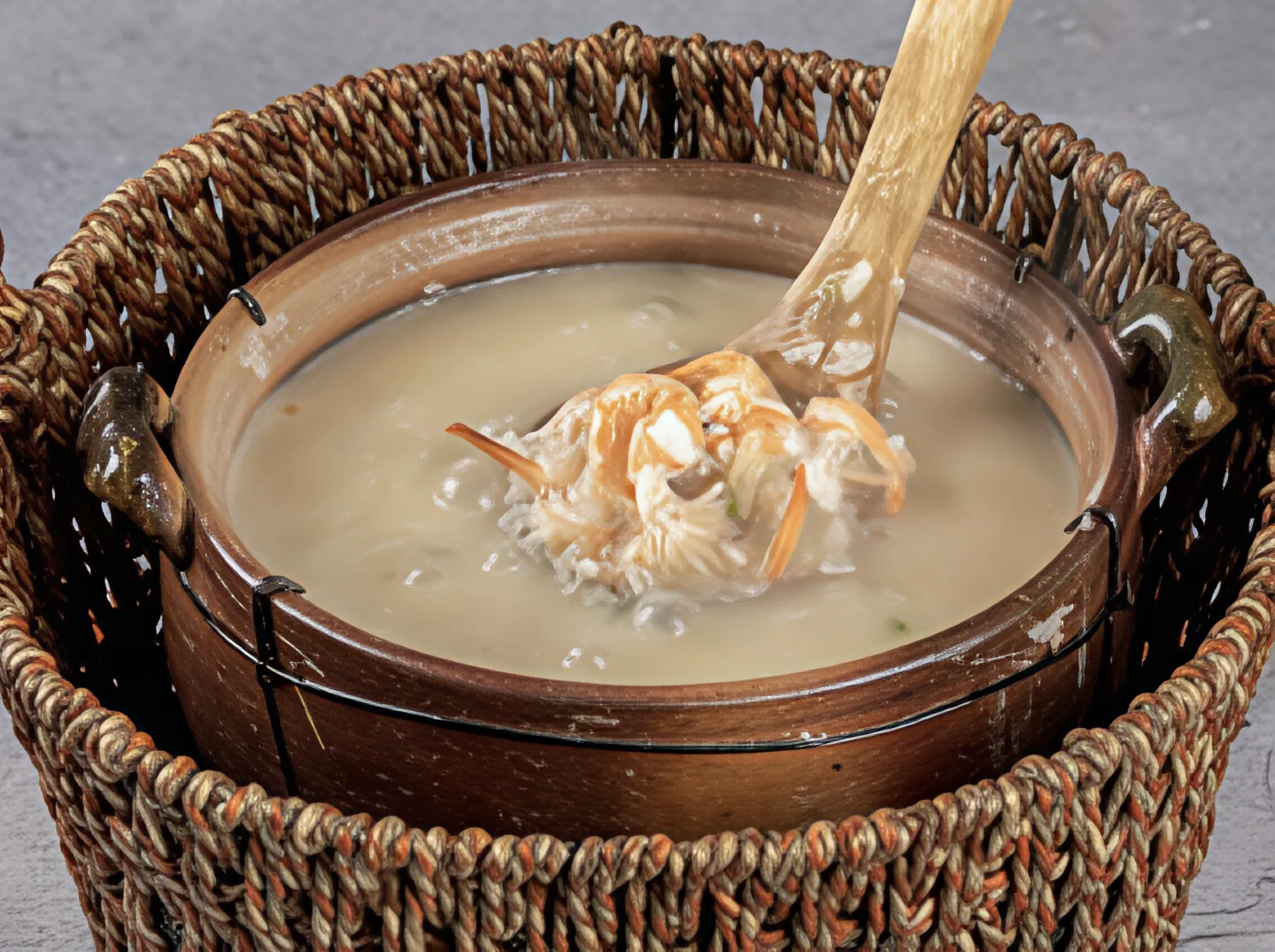
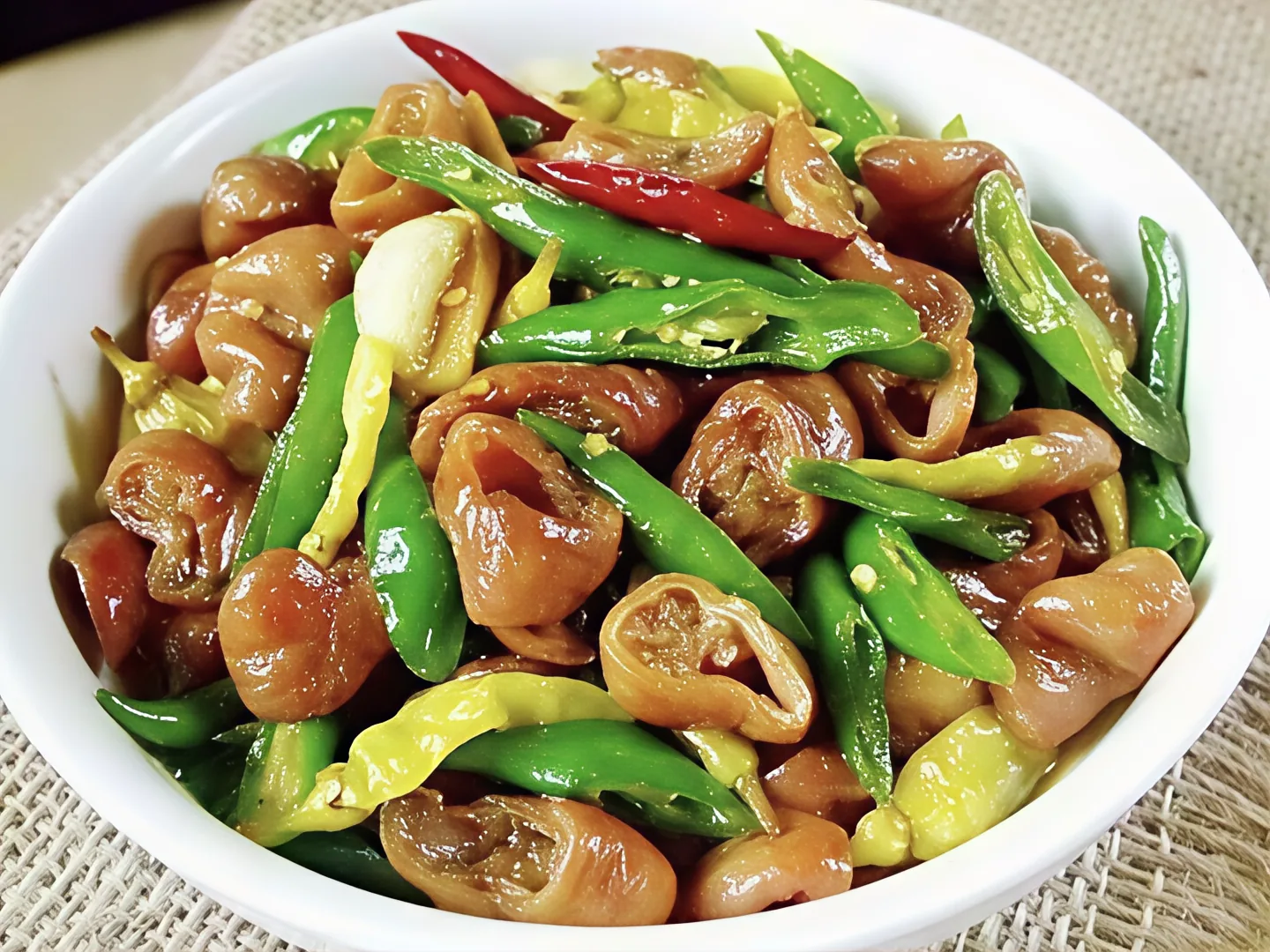
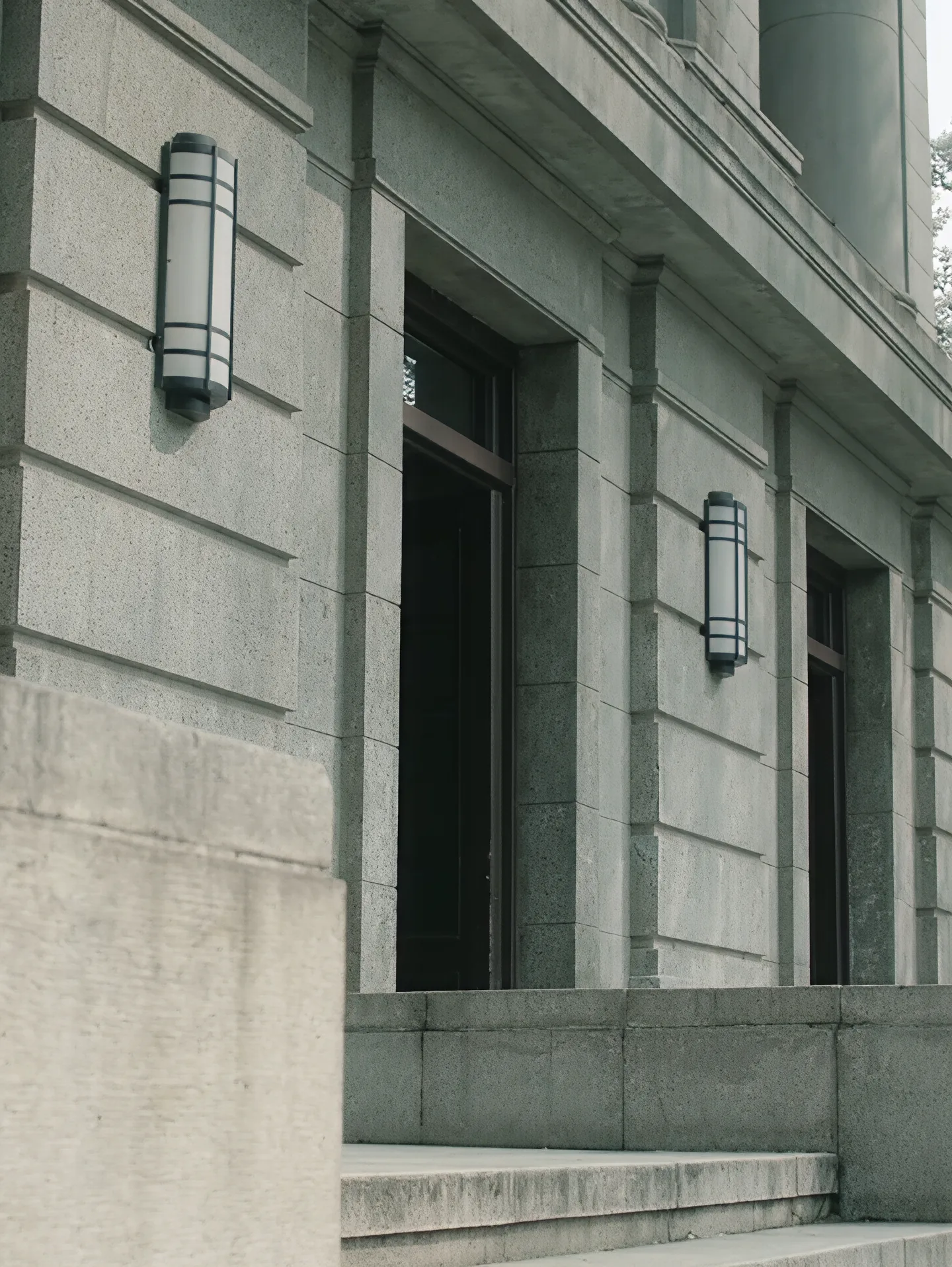

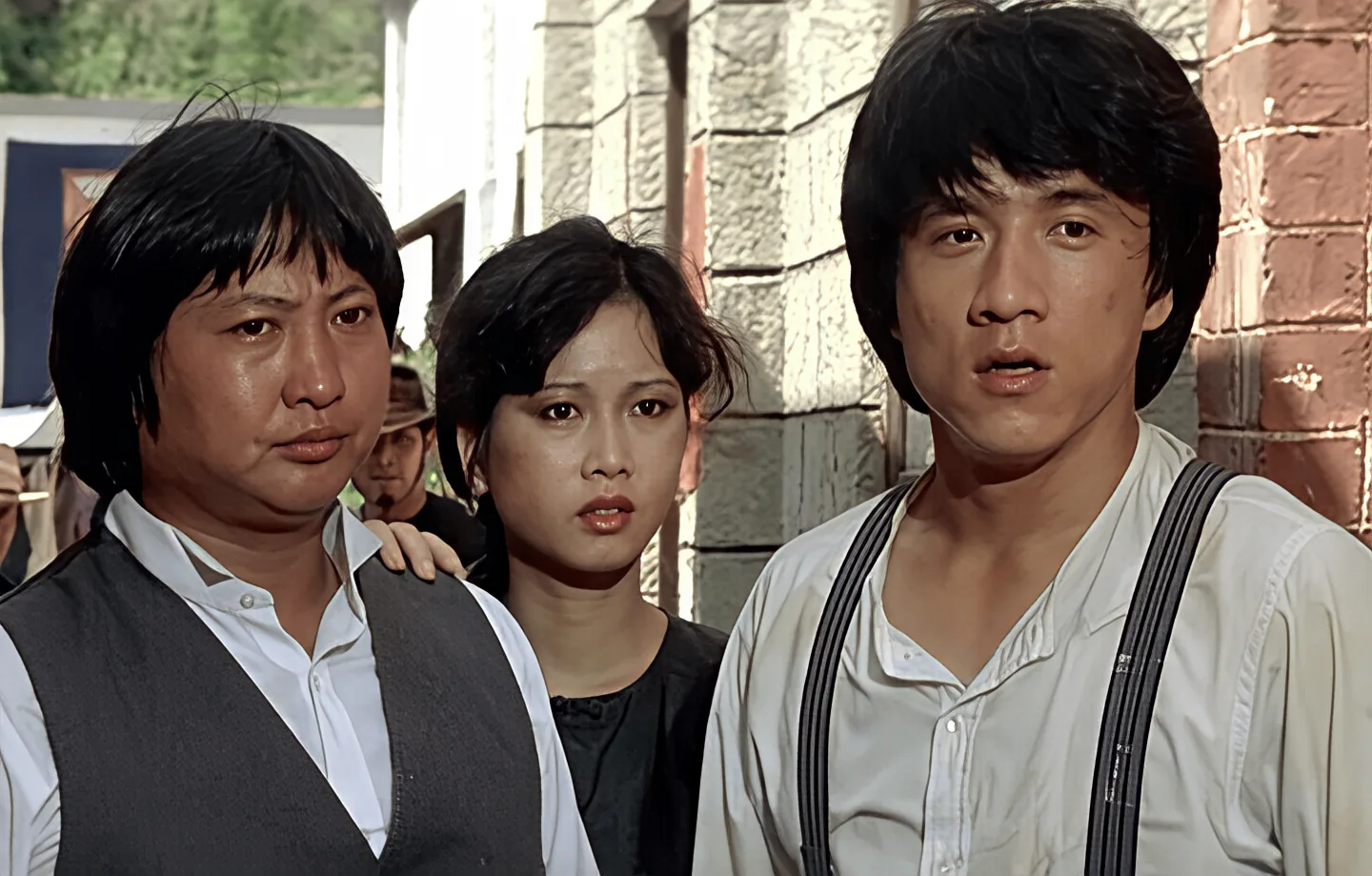
Avatars, product photos, small screenshots, and social images are all worth trying. The clearer the original image is, the less likely the upscale gets weird.
Quick warning: this is not magic. If the original is pixel soup, AI can try to help, but it cannot promise a movie poster 🫠
Choose an image, click upscale, and wait for the result. After the API is connected, the processed image will appear here directly.
It will try. If the original has real detail, the result is usually better. If it is already super blurry, please do not ask it to become a wizard 😅
Plain rules: one image <= 10 MB; formats jpg / jpeg / png / webp; input short side 16-1440 px, long side 16-2160 px; output short side <= 2160 px, long side <= 3840 px; upscaling is 2x-4x.
When you choose an image and a multiple, the page calculates the estimated output size first. If it is too big, it tells you before you wait 🙂
No. Upload image, get result. That is the whole thing.
No. The image is used for the current job only, and the result is shown temporarily in your current browser page.